
This also sends the note-off for the previous note:
monophonic-keys.pd
monophonic-keys-extended.pd
i also made an analog version, where only a higher note is played:
analogmono-keys.pd
analogmono-keys-extended.pd

Store a variable to compare to current variable
This also sends the note-off for the previous note:
monophonic-keys.pd
monophonic-keys-extended.pd
i also made an analog version, where only a higher note is played:
analogmono-keys.pd
analogmono-keys-extended.pd
the monophonic keys seems most effective because it now doesn't jump to zero when the notes released as did the previous one, it meant note zero would launch when the last note was released....if you can see in the attachment the note off happens when the gate is closed. when the trigger is on it opens an envelope gate and the note at the time is released...i just released does this mean the envelope gate needs to be triggered for every new note for each new button press?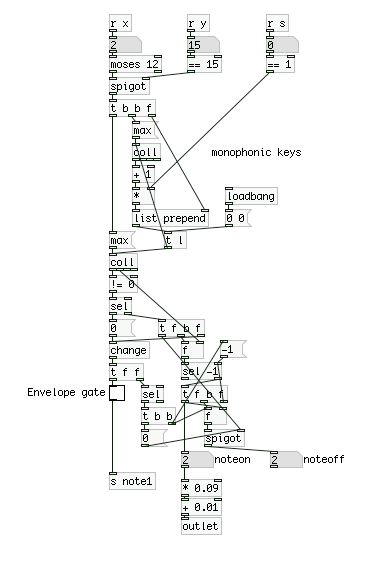
@Fauveboy You can get the triggers of the note changes from the noteon/off number boxes. The toggle only indicates if any key is pressed or not. You can see how they behave in the print result of the posted patches. 
the envelope in this attachment is what ive been using between the button press and the signal. Where I previously used the toggle indicating on or off to to open the envelope gate should it look something ore like this? 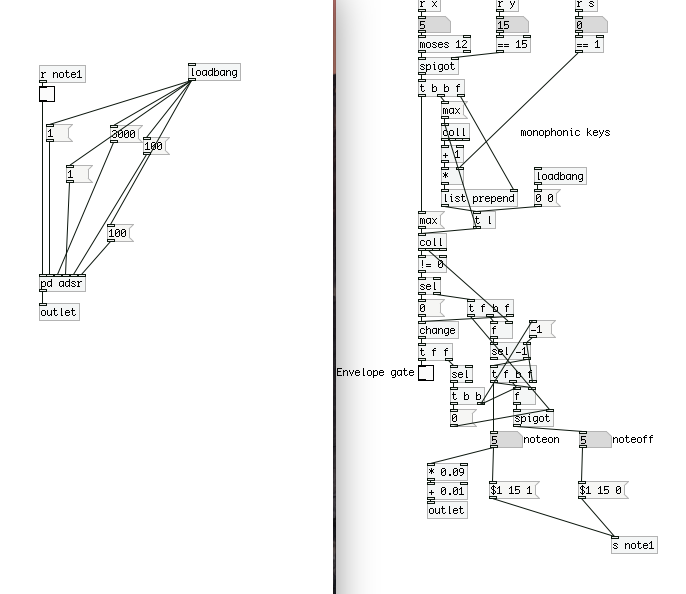
@Fauveboy You can do it like this: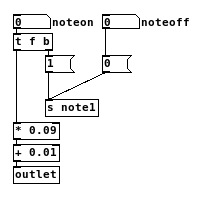
sorry i mean like this works 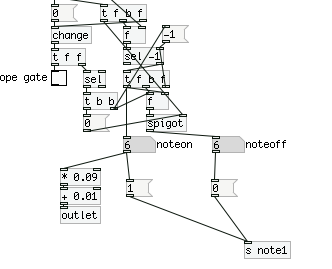
can i just add Im using one sample to trigger all the notes Ive organised the sample like so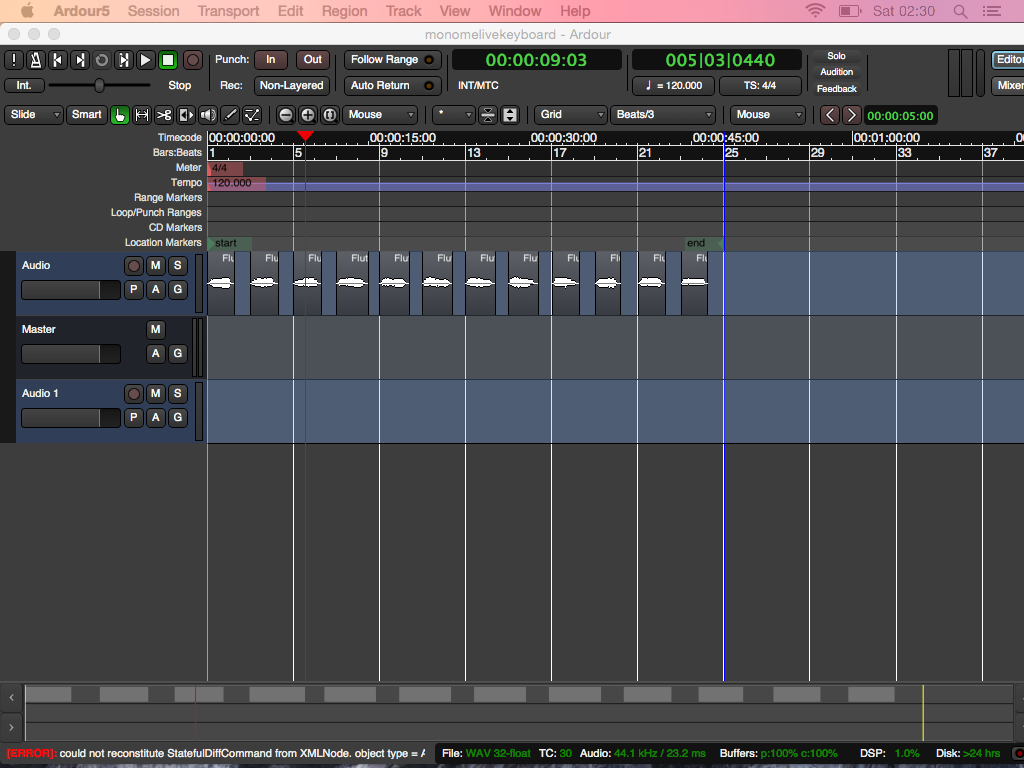
the screen shot illustrates, twelve notes evenly distributed. Ive bounced it out and stored the file in an array of course. I've then used a phasor which counts from 0 to 1 playing the length of the sample. I 've used the off set you see 0.09 + 1 to try to evenly divid the sampled notes so that on every interger value note pressed re positions the phasor signal cycle.... it doesn't however divide precisely. How is this the wrong maths for the job?
@Fauveboy Ok........ here...... the same...... but the xy co-ords are combined to give each button a value.
The value ends up being a symbol........ but that is not a problem for routing afterwards.
It makes every button unique..... and should be easier to deal with!
See the [action] abstraction.....
It shows how you can receive the current message...... and do something with it..... value, and bang when triggered again.
For "vanilla" and "extended"
logic age3.zip MODIFIED 07h04 GMT 21/05/2017
David.
Is this design comparable http://msp.ucsd.edu/techniques/v0.11/book-html/node56.html
too... 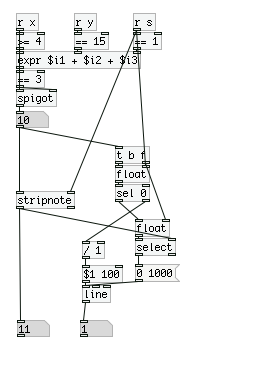
Oops! Looks like something went wrong!

